 Kid Doodle
Two laws do most of the work of protecting your child's data online: COPPA in the United States and the GDPR in Europe. Both exist because young children can't meaningfully consent to being tracked. But knowing the law's name doesn't tell you whether the app in your child's hands is actually safe — so here's what each law requires, and the two-minute check that cuts through it.
The two laws that protect your child's data
COPPA — United States
The Children's Online Privacy Protection Act (COPPA) applies to online services directed to children under 13, or that knowingly collect personal information from them. Its core rule: an app must obtain verifiable parental consent before collecting a child's personal information. Crucially, “personal information” is broad — it covers not just names and emails but persistent identifiers used to track a child across apps, precise geolocation, photos, video, and audio recordings. COPPA is enforced by the Federal Trade Commission (FTC), which has brought multi-million-dollar cases against apps and platforms that tracked children without consent.
GDPR — European Union & the UK
The EU's General Data Protection Regulation (GDPR) treats children as deserving specific protection because they may be “less aware of the risks.” For online services offered directly to a child, valid consent must be given or authorised by a parent below a set age — 16 by default, though member states may lower it to as young as 13. In the United Kingdom, the Information Commissioner's Office goes a step further with the Age Appropriate Design Code (the “Children's Code”), which requires services likely to be used by children to default to high-privacy settings, minimise the data they collect, and switch off tracking-style features unless there's a compelling reason not to.
What the two laws require, side by side
| COPPA (US) | GDPR + UK Children's Code (EU/UK) | |
|---|---|---|
| Who it protects | Children under 13 | Children under 13–16 (age set per country) |
| Core requirement | Verifiable parental consent before collecting a child's data | Parental authorisation for a child's consent; high-privacy defaults; data minimisation |
| Counts as personal data | Names, contacts, persistent tracking IDs, precise location, photos, audio | Any information relating to an identifiable child, including online identifiers |
| Enforced by | Federal Trade Commission (FTC) | National data-protection authorities (e.g. the UK ICO) |
| Simplest way to comply | Collect nothing. An app that gathers no personal data has no consent to obtain and no data to protect. | |
The catch: the law is a floor, not a ceiling
Here's what parents miss. Both laws are largely built around consent — an app can legally collect and even share a great deal of data as long as it asks a parent first. In practice, that consent is often buried in a sign-up flow, and plenty of “kid-friendly” apps are technically compliant while still bundling advertising SDKs that profile your child. Compliance means the app followed the rules; it does not mean the app collects nothing. The gap between “legal” and “actually private” is where most of the risk lives — and it's almost always paid for by ads. (For why ads specifically are the problem in a toddler's hands, see the safety checklist for coloring apps without ads.)
How to check any kids' app in two minutes
The two-minute privacy check
- Read the privacy label. On the App Store, scroll to “App Privacy.” Data Not Collected is the strongest possible answer; Data Linked to You means data is tied to your child's identity.
- Look for a children's privacy policy. A developer who publishes one — like Kid Doodle's children's privacy policy — has thought about COPPA- and GDPR-level obligations.
- Check for “Contains ads.” Ad-supported kids' apps almost always share data with advertising networks. No ads is a strong privacy signal.
- Play it yourself. Watch for account sign-ups, email requests, or permission prompts for location, contacts, or the microphone — a drawing app needs none of these.
- Test the parental gate. Purchases and any links out should sit behind an adult-verification step a young child can't pass alone.
The gold standard: “Data Not Collected”
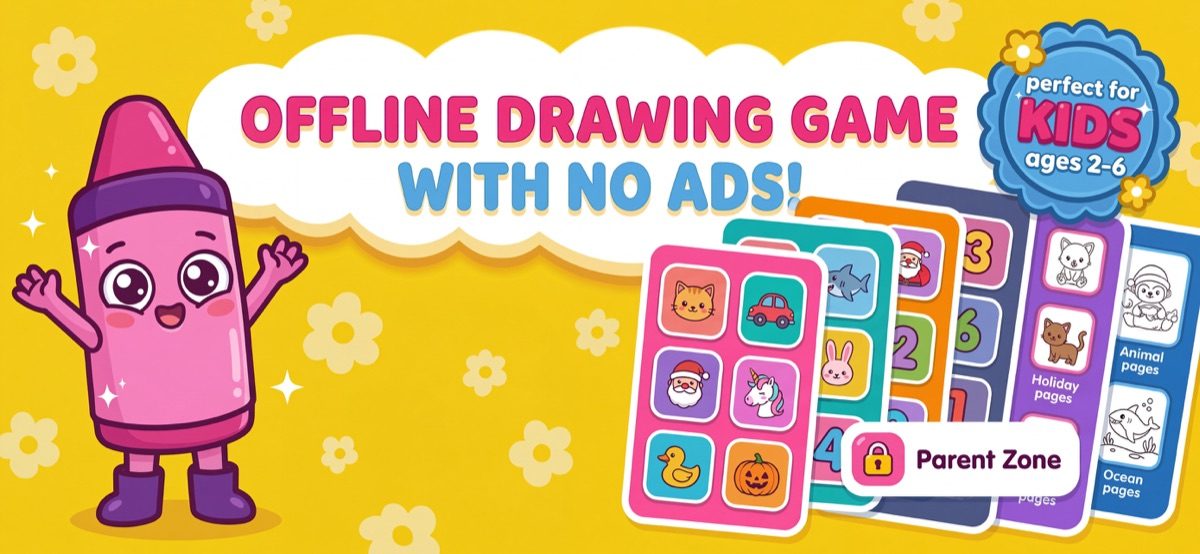
The cleanest way to be safe under both COPPA and GDPR is to build an app that has no reason to touch your child's data in the first place. That's the approach behind Kid Doodle: its App Store privacy label reads “Data Not Collected,” it has no accounts, no analytics or tracking SDKs, no third-party ads, and it works 100% offline — after install, nothing is sent anywhere because there's nothing to send. There is no consent screen to worry about because there is nothing to consent to. Optional coloring-book purchases sit behind a parental gate in the Parent Zone, so a two-year-old can't buy anything or wander out of the app. It's an intentionally boring privacy story — which is exactly what you want for a child.
Frequently asked questions
What is COPPA and does it apply to my child's apps?
COPPA is the US Children's Online Privacy Protection Act. It applies to online services directed to children under 13 (or that knowingly collect data from them) and requires verifiable parental consent before collecting a child's personal information — which includes persistent identifiers used for tracking, geolocation, photos, and audio. It's enforced by the Federal Trade Commission.
Does GDPR protect children in the EU and UK?
Yes. GDPR gives children specific protection. For online services offered to a child, consent must be given or authorised by a parent below an age set by each member state — 16 by default, and as low as 13 in some countries. In the UK, the ICO's Age Appropriate Design Code adds design standards like high-privacy defaults and data minimisation for services likely to be used by children.
What does an App Store “Data Not Collected” label mean?
It means the developer has declared that the app collects no data of any kind — no analytics, no identifiers, no accounts, no tracking. When nothing is collected, there's nothing to consent to, share, breach, or misuse — the safest posture for a child's app. Kid Doodle's label reads “Data Not Collected.”
Is a free kids' app automatically unsafe for privacy?
Not automatically — but ad-supported “free” apps usually fund themselves by sharing data with advertising networks, which is the main privacy risk for children. The safest free apps carry no third-party ads and collect no data. Kid Doodle is free, has no ads, and its label is “Data Not Collected.”
This guide is general information for parents, not legal advice. For the authoritative details, see the FTC's COPPA guidance and your national data-protection authority.