 Kid Doodle
"Free" kids apps are usually paid for by your child's attention: banner ads, unskippable video ads, and pop-ups engineered to catch tapping fingers. For a toddler who can't tell content from advertising, that's not a nuisance — it's the whole problem. Here's how to vet a coloring app properly.
Why ads in toddler apps are worse than annoying
Young children cannot distinguish advertising from content — regulators and pediatric groups agree on this. In practice, ads in kids apps mean: interrupted play (and tantrums), accidental taps leading to app stores or websites, exposure to age-inappropriate ad content, and behavioral tracking of your child. Ad-funded "free" is the most expensive option in every way that matters.
The 6-point checklist to vet any kids app
- Check the privacy label. On the App Store listing, scroll to App Privacy. The gold standard reads "Data Not Collected" — Kid Doodle's does.
- Look for a children's privacy policy. A developer who publishes one (like Kid Doodle's children's privacy policy) has thought about COPPA-level protection.
- Play it yourself for ten minutes first. If you see a banner, a video ad, or a "more games!" button that exits the app — delete it.
- Test the parental gate. Purchases and links should sit behind an adult-verification step. In Kid Doodle, that's the Parent Zone.
- Prefer one-time purchases over subscriptions. Kid Doodle uses simple one-time unlocks (books, colors, stickers) — no recurring charges to forget.
- Check the age rating and design intent. "4+" alone isn't enough — the app should be visibly designed for young kids, not merely permitted for them.
How Kid Doodle stays free without ads
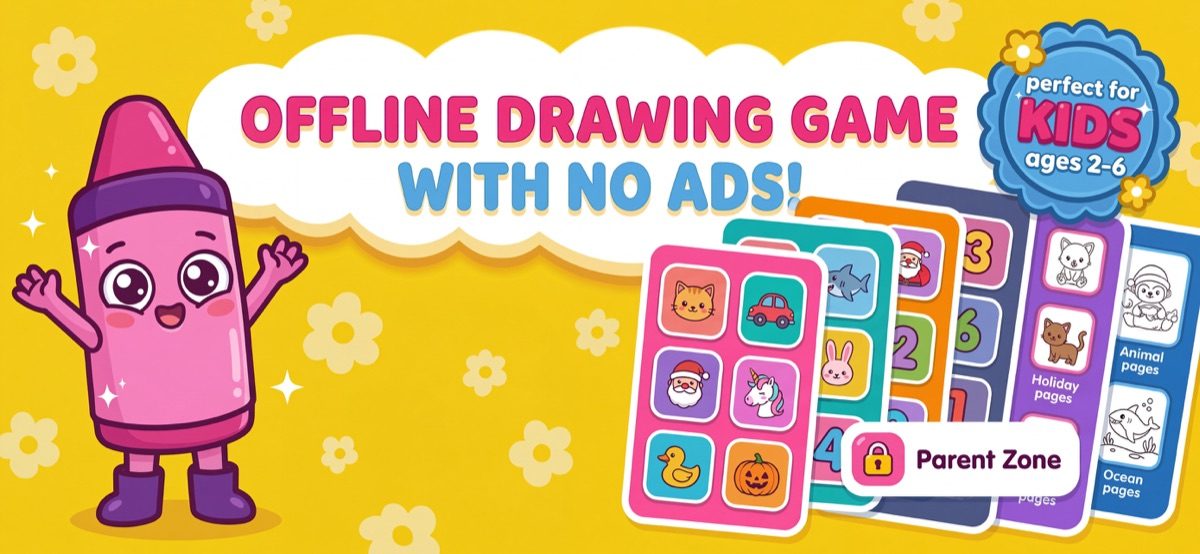
Fair question: if there are no ads, what pays for it? Kid Doodle uses the honest model — the download is free with free pages in the Animals book, and optional one-time purchases unlock more themed books, extra colors and sticker packs. You pay (only if you want more) with money, not with your child's attention or data. Nothing in the app links out, nothing pops up, and nothing is collected.
Verify Kid Doodle yourself in 5 minutes
- Open the App Store listing and check App Privacy: "Data Not Collected."
- Download it free and play three pages — notice what's absent: no banners, no videos, no pop-ups, no "rate us" nags mid-play.
- Try to leave the coloring screen as a child would, by tapping everything — every route out is gated or safe.
- Open the Parent Zone and confirm purchases sit behind the parental gate.
- Turn on airplane mode and keep playing — an app with nothing to phone home to works exactly the same.
Frequently asked questions
Does Kid Doodle collect any data about my child?
No. The App Store privacy label states "Data Not Collected" — the developer does not collect any data from the app. There are no accounts, no tracking and no third-party SDKs watching play.
Are free coloring apps safe for kids?
Only if they're ad-free and don't collect data — many free apps monetize through ads and tracking. Check the App Store privacy label, play it yourself first, and confirm purchases are behind a parental gate.